
Glean Connector
AI-powered workplace search.
How it Works
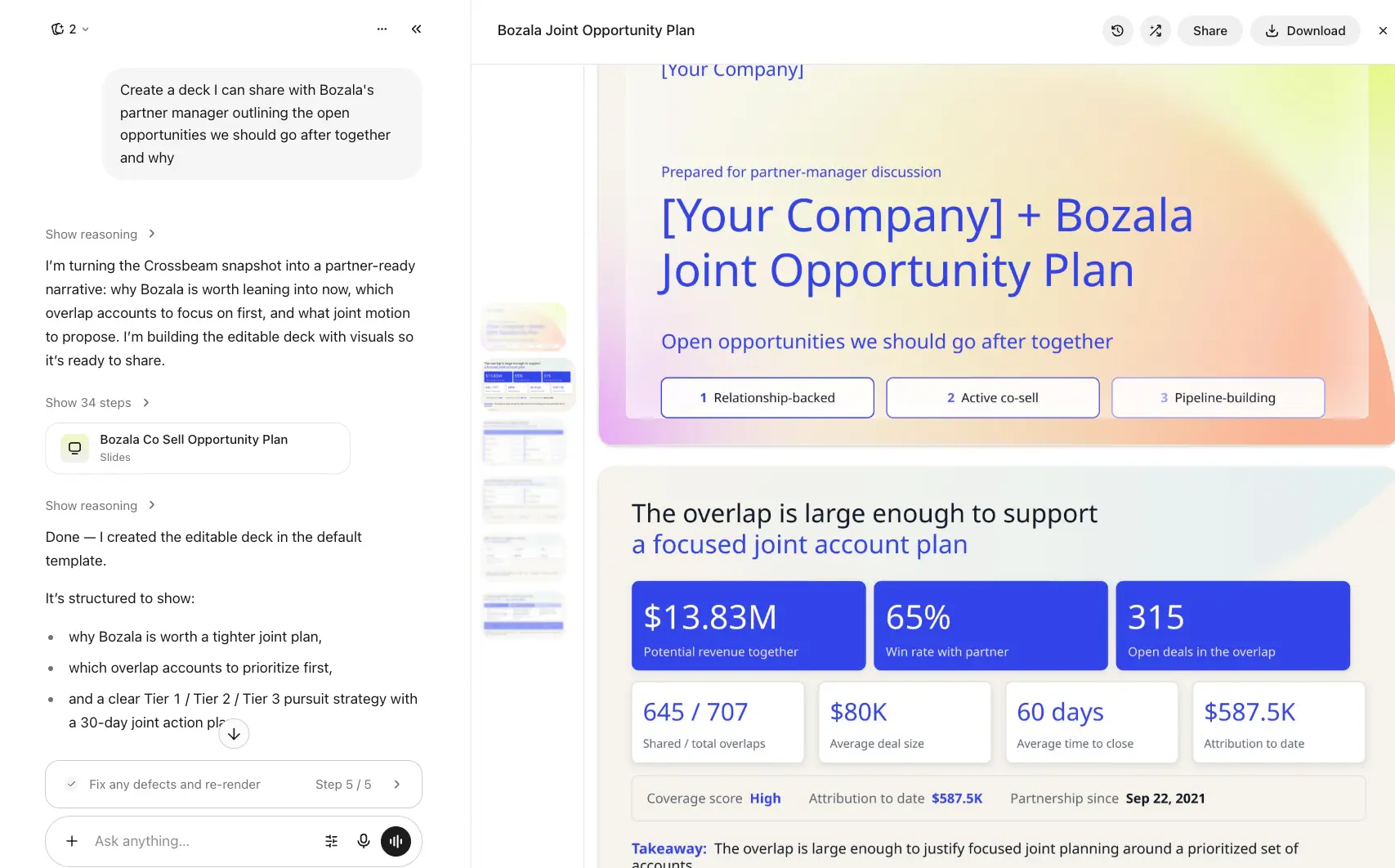
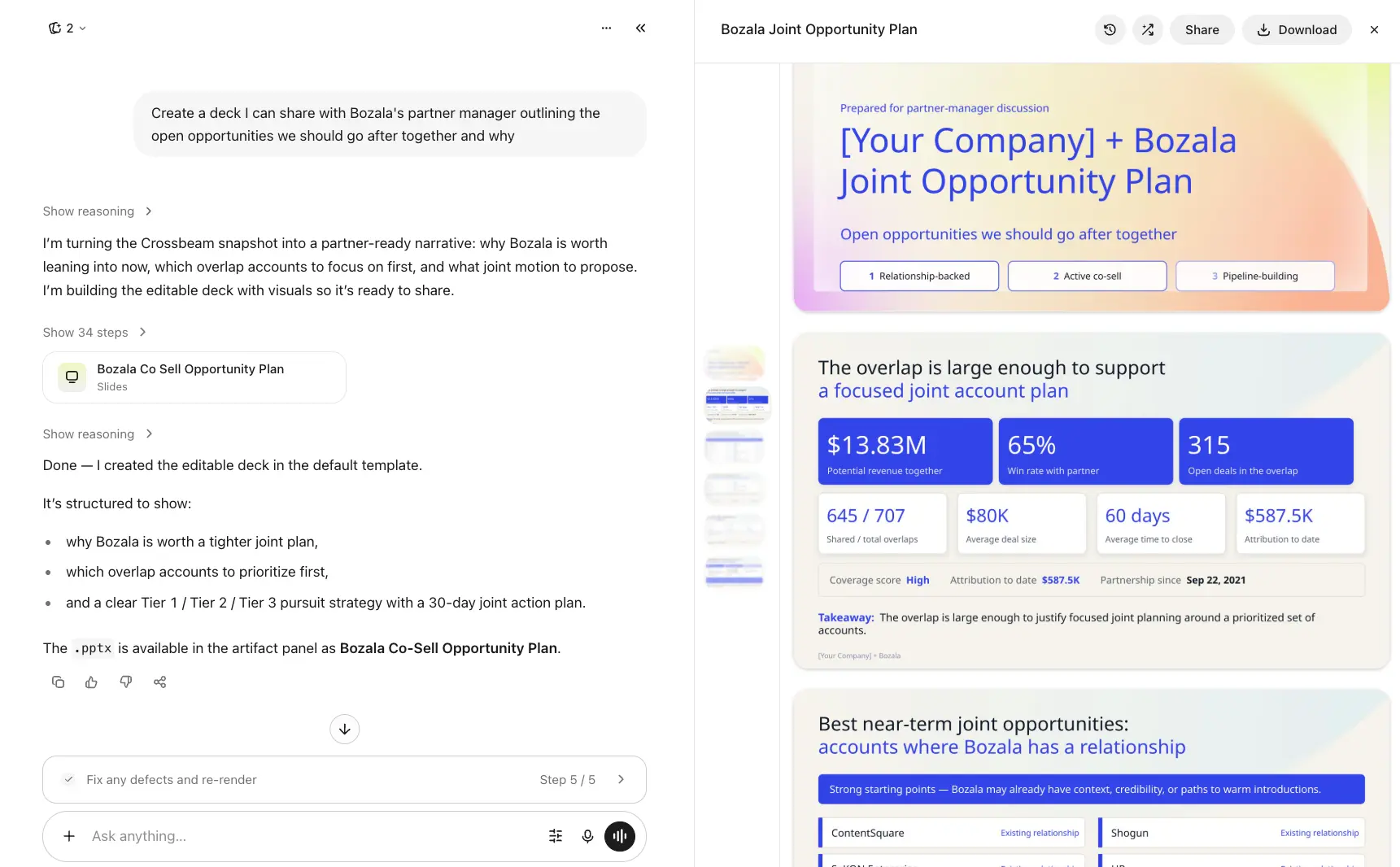
Connect Crossbeam to Glean and give your team direct access to partner and account data right inside their AI workflow. The Crossbeam MCP Connector lets Glean Assistant and Glean Agents securely pull ecosystem data on demand, so your GTM teams can surface overlaps, partner activity, and warm paths without leaving Glean.
Use it to add real-time ecosystem context to any conversation, sharpen account prioritization, and spot co-sell opportunities as they come up, all searchable alongside the other sources and internal knowledge Glean already connects to.
Crossbeam MCP is a remote server that gives Glean structured, secure access to your ecosystem data through the Model Context Protocol. Glean acts as an MCP host: once an admin connects the Crossbeam MCP server, Glean Assistant and Glean Agents can call Crossbeam's tools directly in conversation, pulling live account context, partner performance, and ecosystem activity to answer questions and support decisions in real time.
Why teams choose Glean Connector
- Get a 360-degree view of every account by bringing Crossbeam data alongside other connected sources and internal knowledge in Glean.
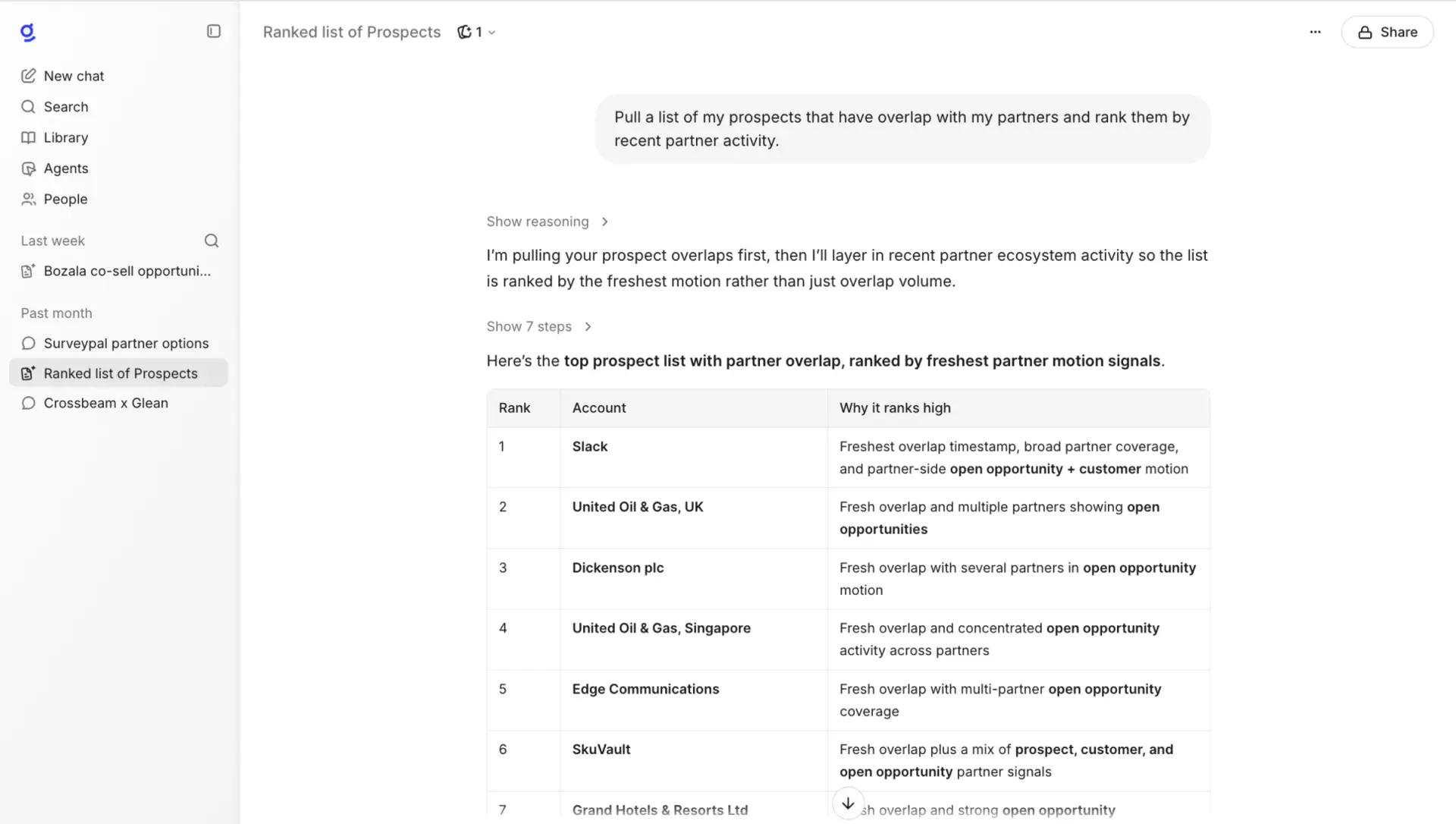
- Surface account overlaps and partner activity without logging into a separate dashboard
- Get ranked partner recommendations for open opportunities, powered by the same engine behind Deal Navigator
- Prep for calls and pipeline reviews with ecosystem context pulled in automatically
- Find the right partner contact for an intro or deal, based on shared account data
- Discover new partners to invite based on ecosystem fit
- Surface buyer contacts shared by your partner ecosystem, including the economic buyer, key champions, and anyone involved in prior partner-influenced deals
Setup Instructions
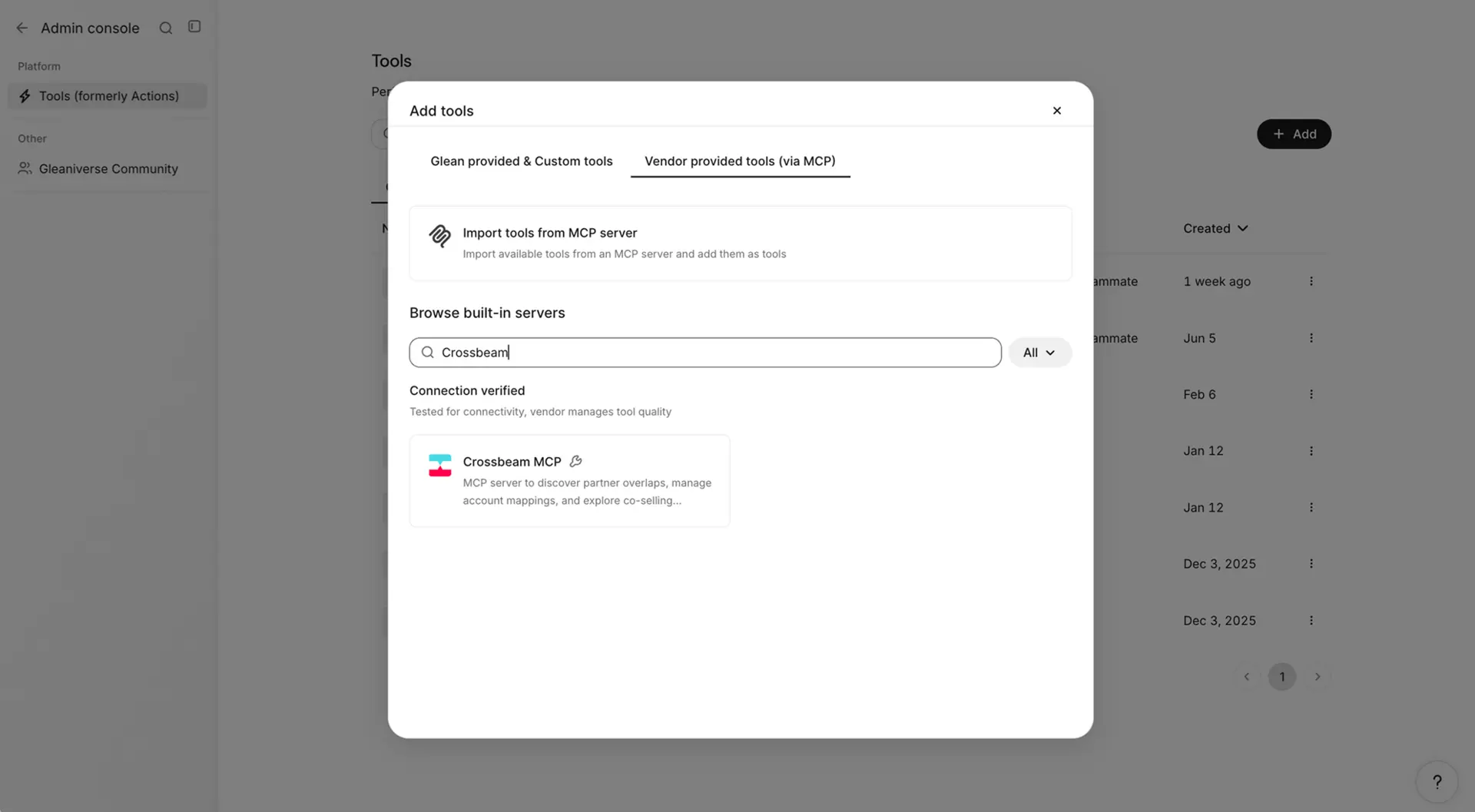
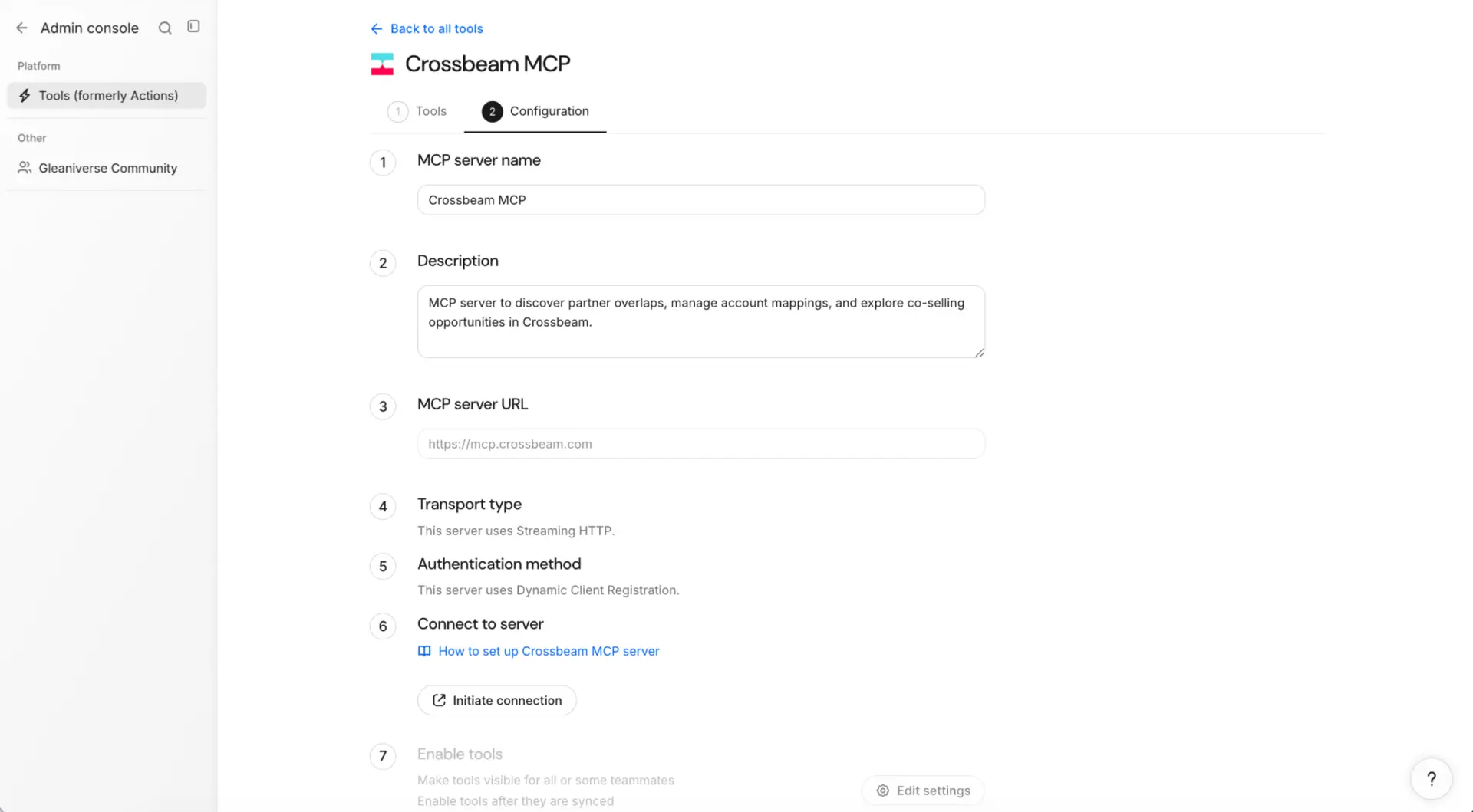
Before individual users can use Crossbeam in Glean, a Glean admin needs to add it to their instance via the Admin Console: start or edit the setup for the Crossbeam connector, open the Tools tab, and associate the Crossbeam MCP server URL. Admins can specify which Crossbeam tools are available to Glean Chat and Agents, as well as which members of their organization have access to each tool and the Crossbeam data available via each one. Once it's connected, it's available to Glean Assistant and Glean Agents across the organization, with human-in-the-loop confirmation on any action.
You should speak to your account manager if you're interested in understanding more about using Crossbeam in Glean and credit usage.
Gallery & Videos
FAQ
- A few common use cases:
- Prioritize accounts: "Which of my open opportunities have an active partner working the same account?"
- Prep for calls: "Brief me on [Account Name], including if any of our partners have recently closed or have an open opportunity there. What ecosystem context exists on [Account] before my call tomorrow?"
- Find the right partner: "Are there any partners that can help me get a warm intro to [Account]?"
Yes, but only once. A Glean admin adds the Crossbeam MCP server through the Admin Console's connector setup. Individual users don't connect anything themselves; once it's turned on, it's available across the organization. Learn more here.
No. All MCP tools are read-only, so Glean can surface and analyze your Crossbeam data, but it can't create, edit, or delete anything in your account.